CONTENT / 01
Switch between the games visitors open first
A handful of titles in the lobby attract the most attention from the start. Crash Lightning sits in the crash section and runs on a round-by-round format that is quick to follow on a mobile screen. If a round ends before you act, the next one begins automatically, so you can follow the pace without manually refreshing the page.
-
Crash Lightning
A round-format crash title that runs cleanly on mobile. Each round result is settled before the next begins, making it easy to follow from the lobby rail.
-
Cricket WicketBets
Cricket-specific betting markets covering international and BPL fixtures. Positioned at the front of the sports lobby so you reach it in one tap from the homepage.
-
Slot Sparkler
A slot room entry that loads quickly across device sizes. RTP is shown on the game card where the studio supplies it — check there for the figure before you start a session.
CONTENT / 04
7p776 lobby studios
The 7p776 lobby carries content from PlayStar, Bigtime Gaming, Spadegaming, Pragmatic Play, JDB, Habanero. To check the studio, rules or features of one specific game, open that game card or the published information panel.
-
PlayStar
-
Bigtime Gaming
-
Spadegaming
-
Pragmatic Play
-
JDB
-
Habanero
CONTENT / 02
Browse casino and slot categories in one place
The full catalogue covers slots, live casino tables and a sportsbook section — all reachable from the same main navigation bar. Filter by category to move between them without reloading the page.
CONTENT / 03
Switch to mobile without losing your account state
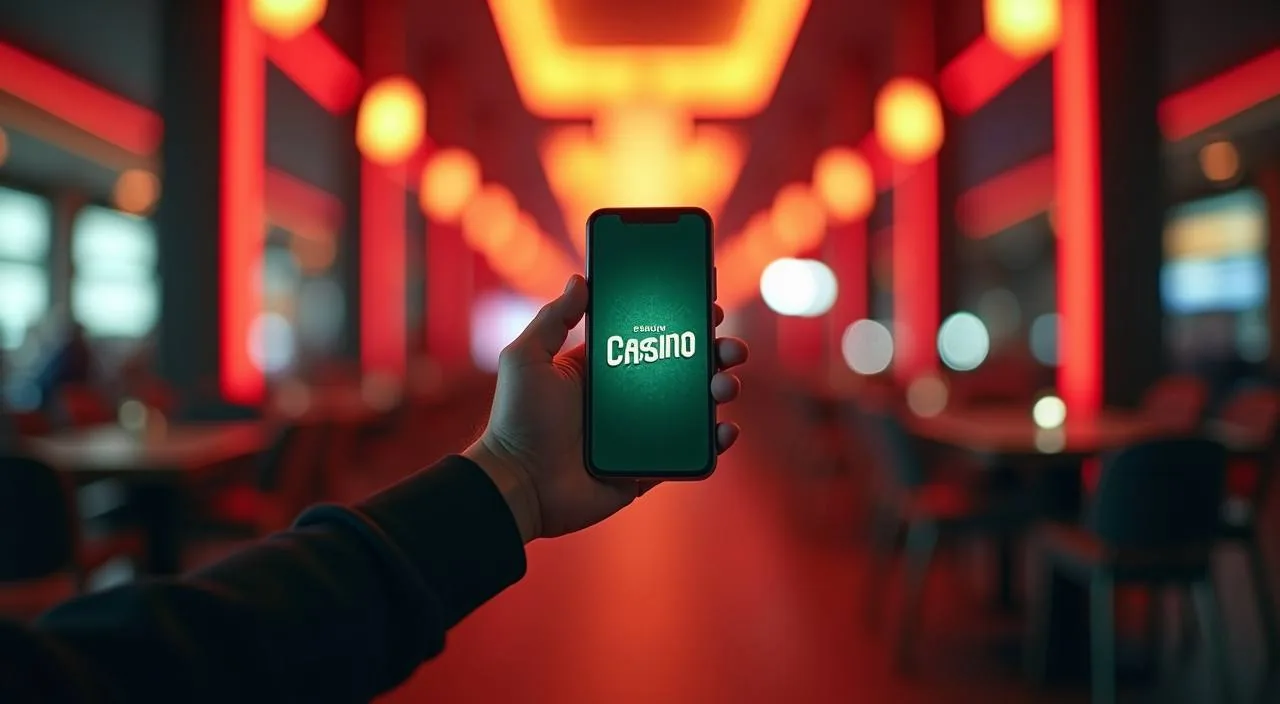
The platform runs in your mobile browser — no separate app download is required to access the lobby, your wallet or account settings. On Android or iOS, open 7p776 in your browser, sign in with the same credentials you use on desktop, and the lobby loads with the same category navigation: sports, live casino, slots and crash.
-
Browser-Based Access
No app installation needed. Open 7p776 on your Android or iOS browser, sign in and the full lobby is there. The mobile layout adjusts to your screen size automatically, keeping the category tabs and wallet section reachable without excessive scrolling.
-
Wallet on Mobile
Your bKash, Nagad or Upay wallet links are accessible from the mobile browser session. You can check your transaction history, initiate a deposit or review a withdrawal status from the wallet tab — same steps as on desktop, same fields, same limits shown for your account.
-
Session Continuity
Signing in on mobile uses the same credentials as desktop. Your account status, wallet balance and lobby preferences carry across because they are stored against your account, not your device. You do not need to re-link payment methods when switching between devices.
 Mobile / Slots